
Product tour
How VPods works
Connect GitHub. Cloud is optional. Assign from the backlog. You Approve. The hire runs.
GitHub
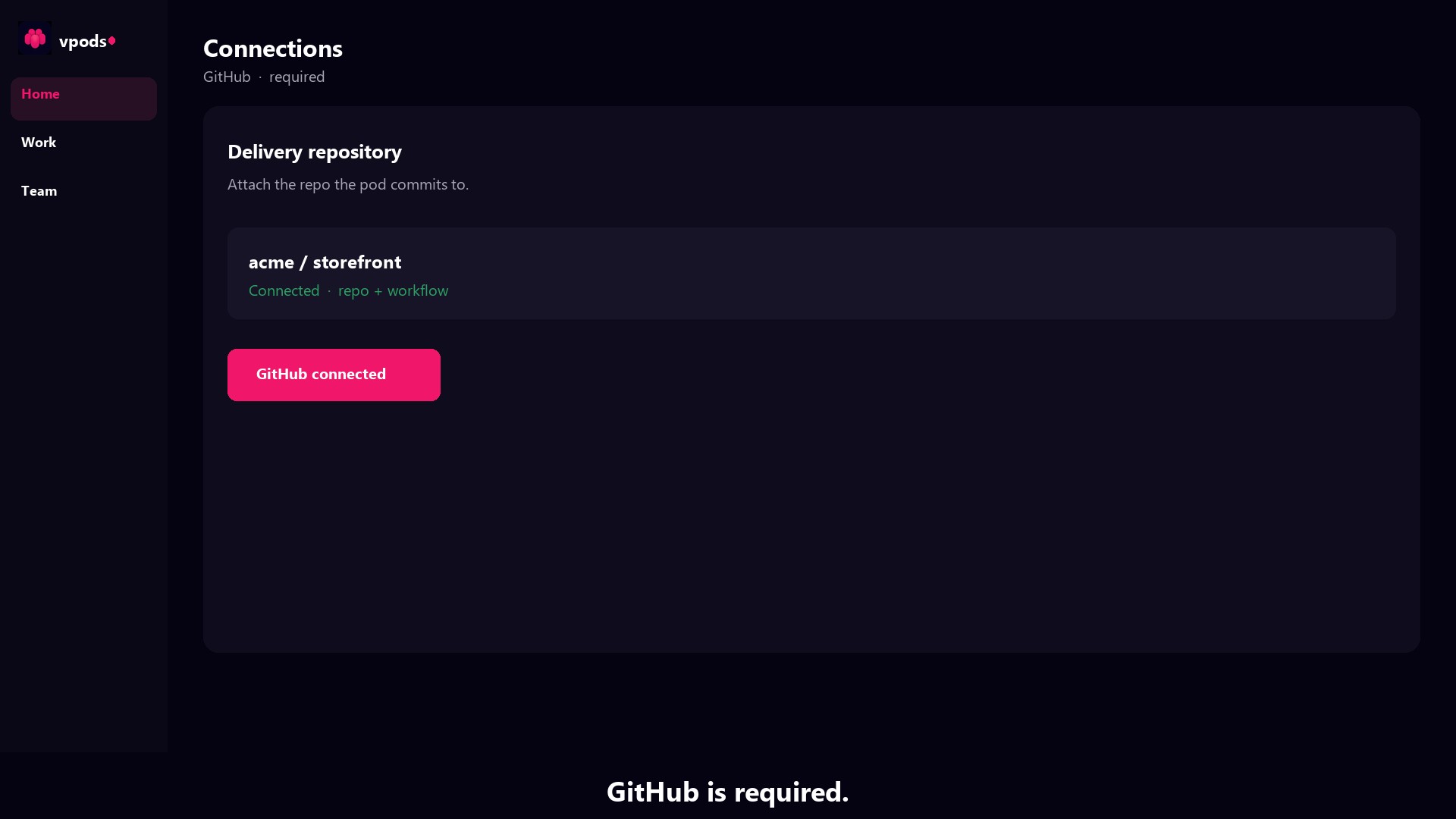
Attach the delivery repo
GitHub is required. The pod commits there. Connect it once for the project — then work starts from the board, not from a prompt.
Cloud
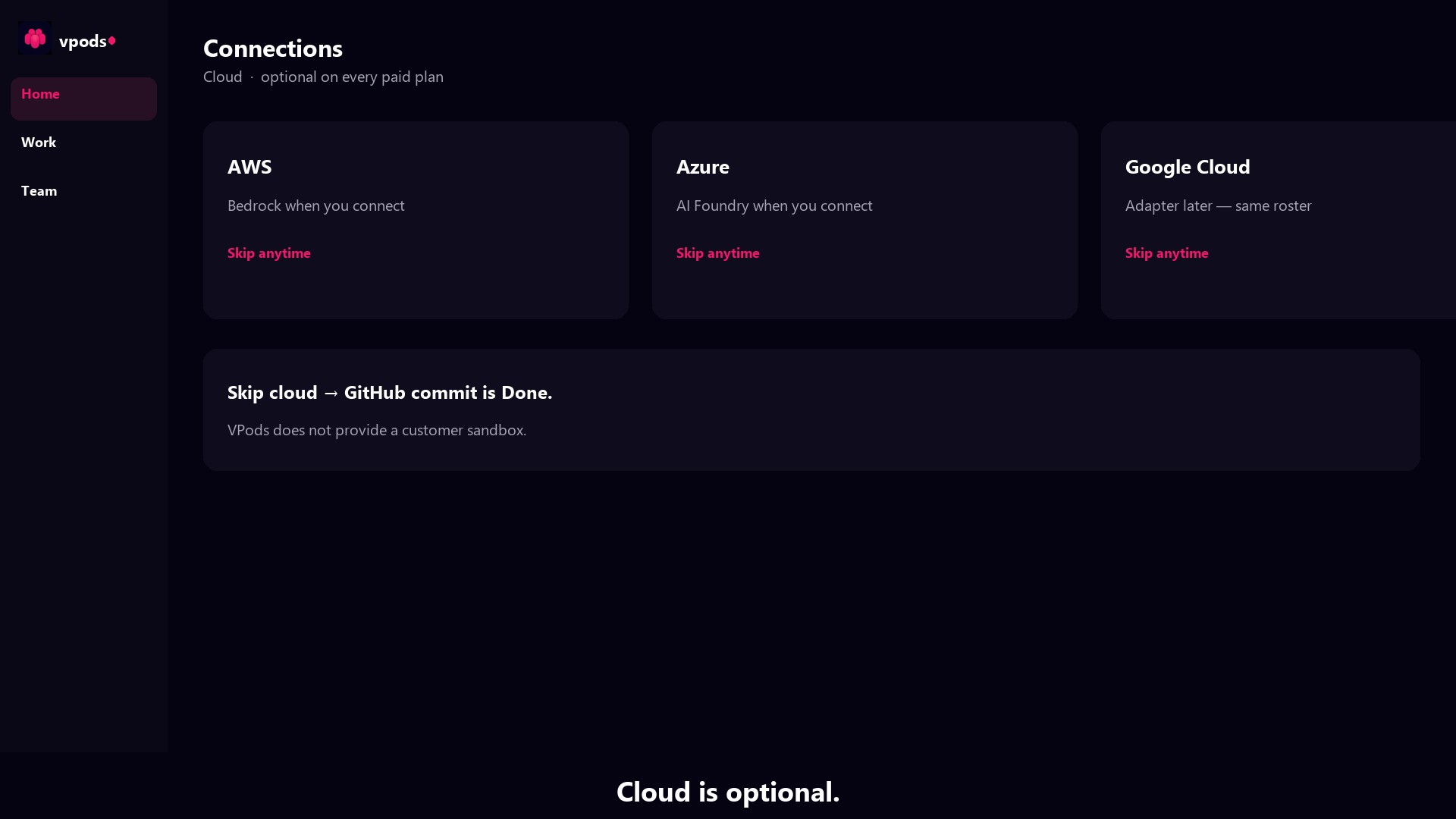
Bring your cloud — or skip it
AWS, Azure, or Google Cloud is optional on every paid plan. Skip cloud and Done is a GitHub commit. Connect cloud and deploys run in your account. VPods does not provide a customer sandbox.
Jira
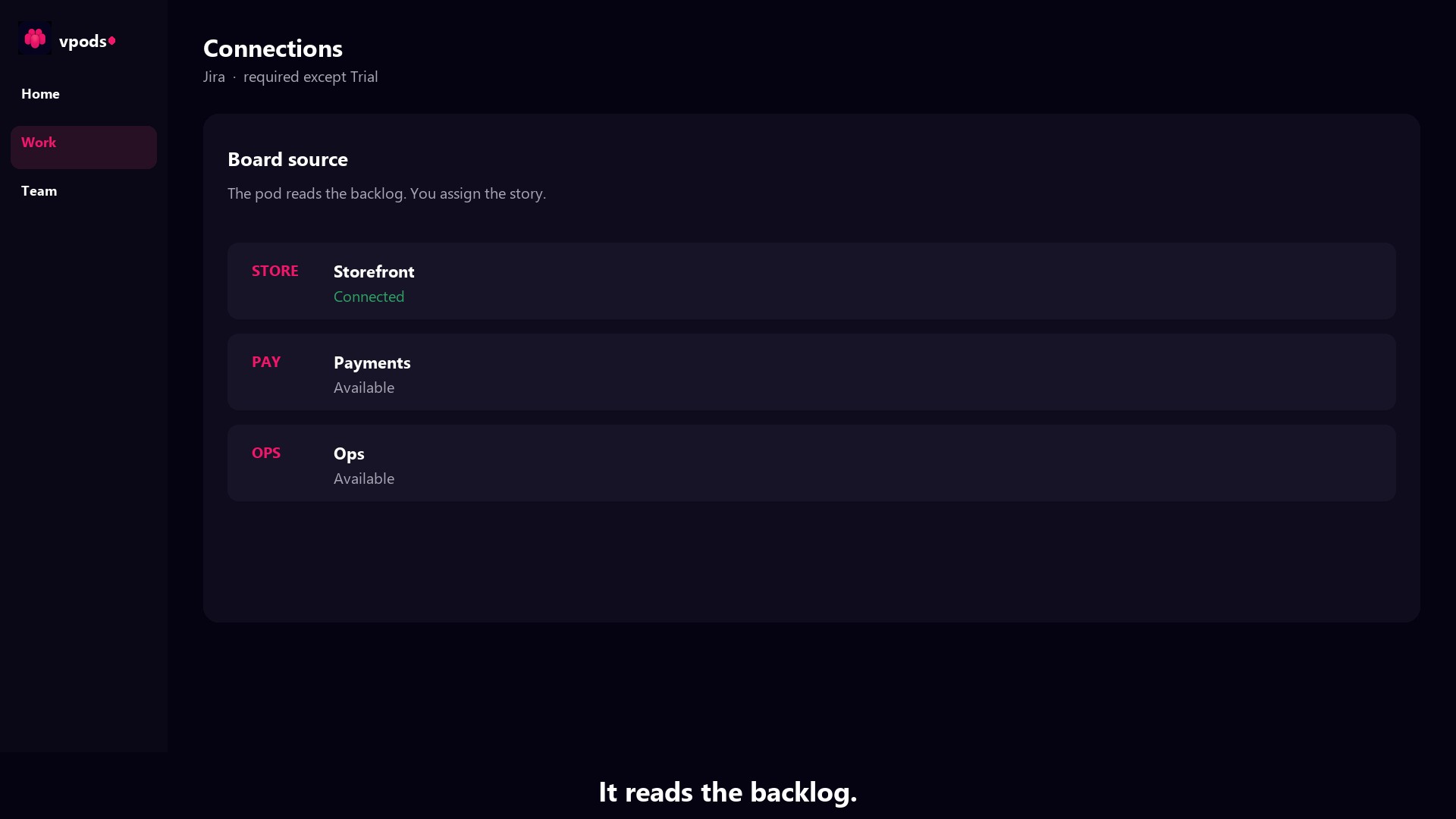
The board reads the backlog
Jira is required on every plan except Trial. Stories already on your board become assigned work. You don't re-explain the project into a chatbox.
Home
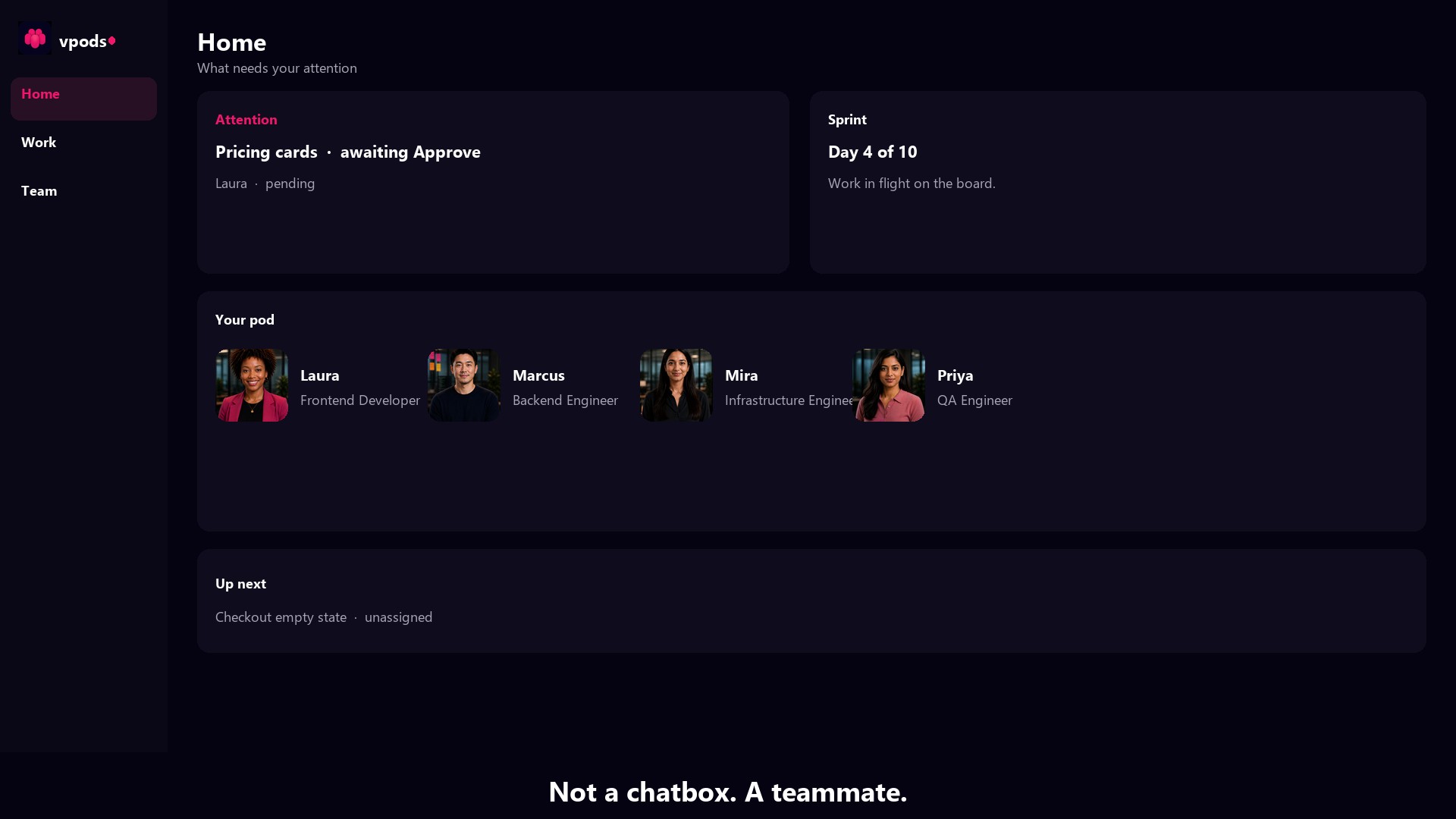
Home shows what needs you
Attention, sprint, your pod, and what's up next. Not a blinking cursor. A seat on the team you can check without prompting.
Work
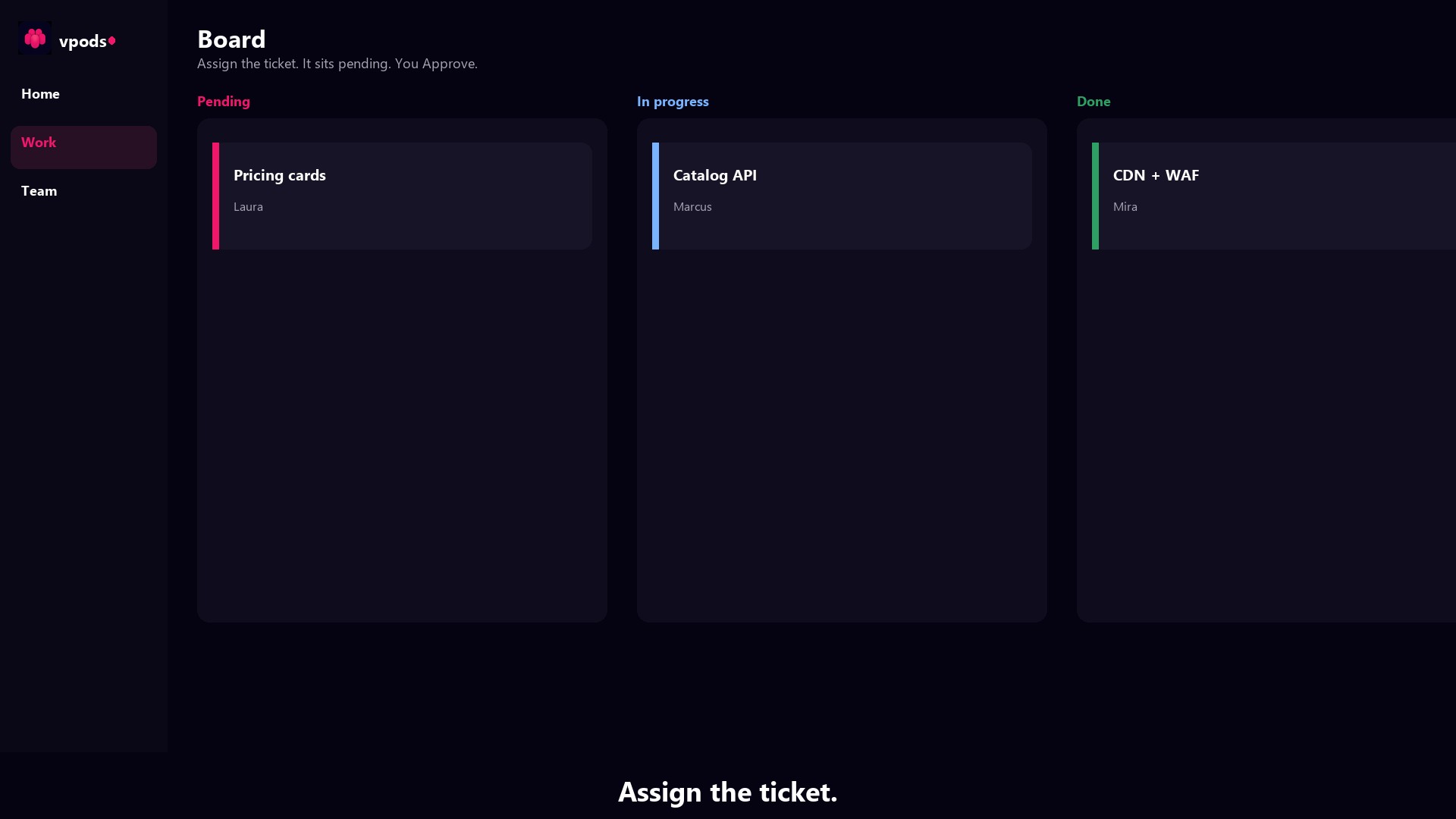
Assign the ticket
Work is the board. Drop a story on a hire lane. It sits pending until you Approve. Then the hire runs. Work keeps going when you close the tab.
Team
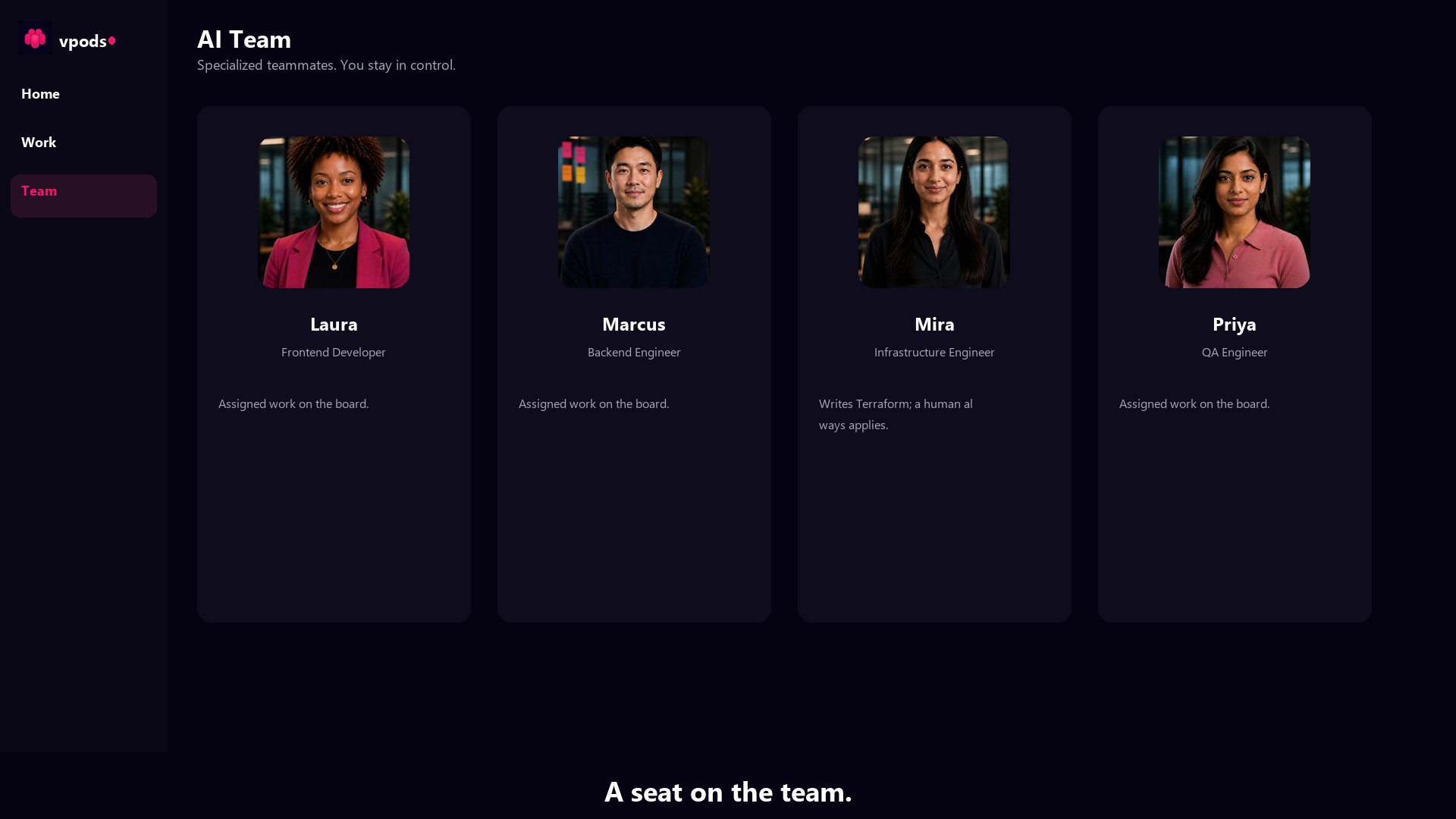
A name. A face. A role.
Laura, Marcus, Mira, and Priya are specialized teammates. Mira writes infrastructure — a human always applies. We're not building AI to replace software teams.
Teams
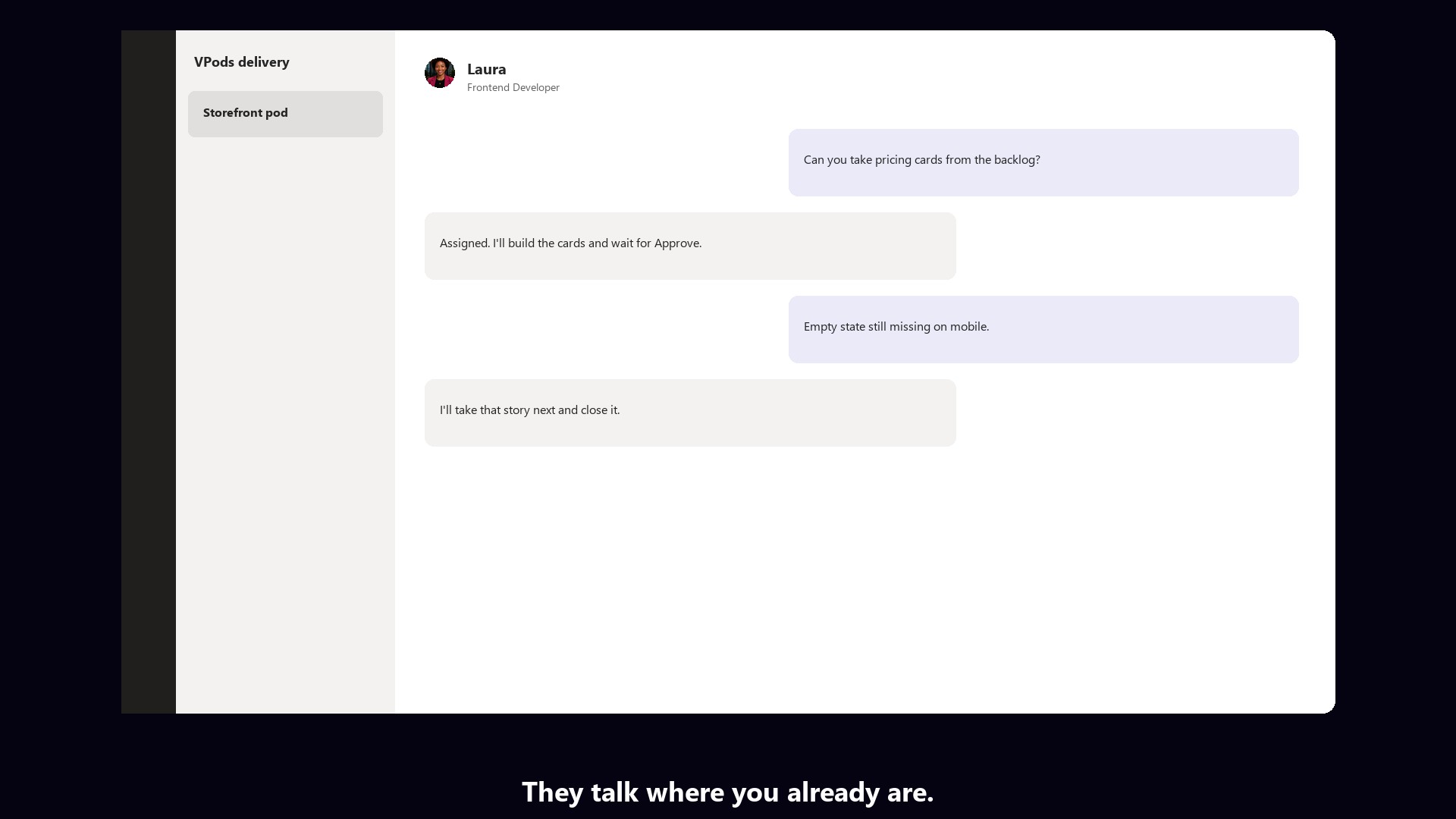
They talk where you already are
Microsoft Teams stays the conversation you already have. Assign work in Studio → Board (pending until Approve). Sol answers architecture questions from memory anytime; Confluence writing needs Sol — Publish & Ask per project on Scale+.
Review
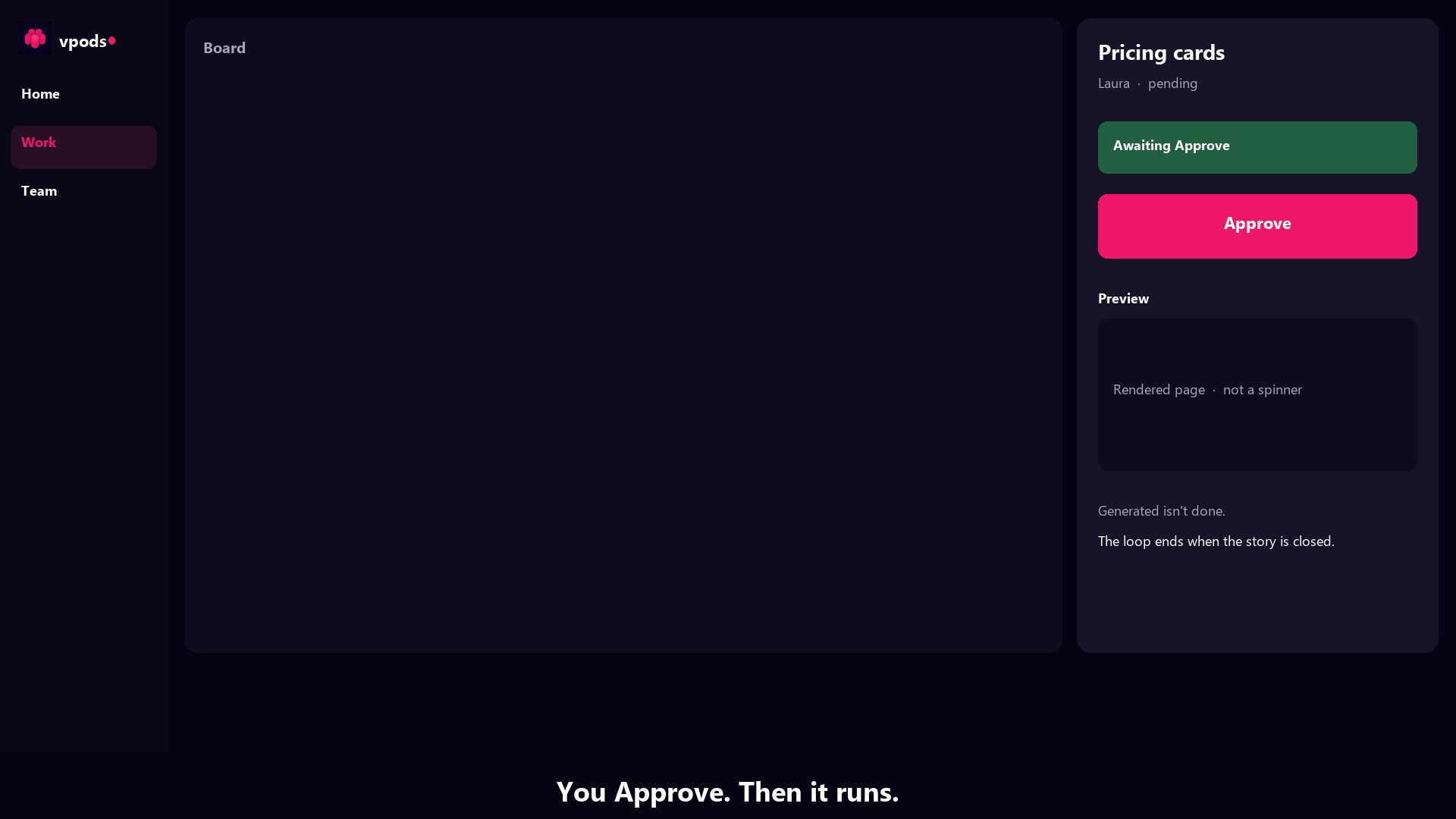
You Approve. Then it runs.
Generated isn't done. The story is reviewed. You Approve — that's final. Preview the work. The loop ends when the story is closed.
Add AI teammates to your delivery team
We're not building AI to replace software teams. Capacity joins the team you already have.